Five moments every contest coordinator knows Each one happens when a job still runs on paper or in a spreadsheet. Here is the problem, the fix, and what you save.
Sign-up sheet
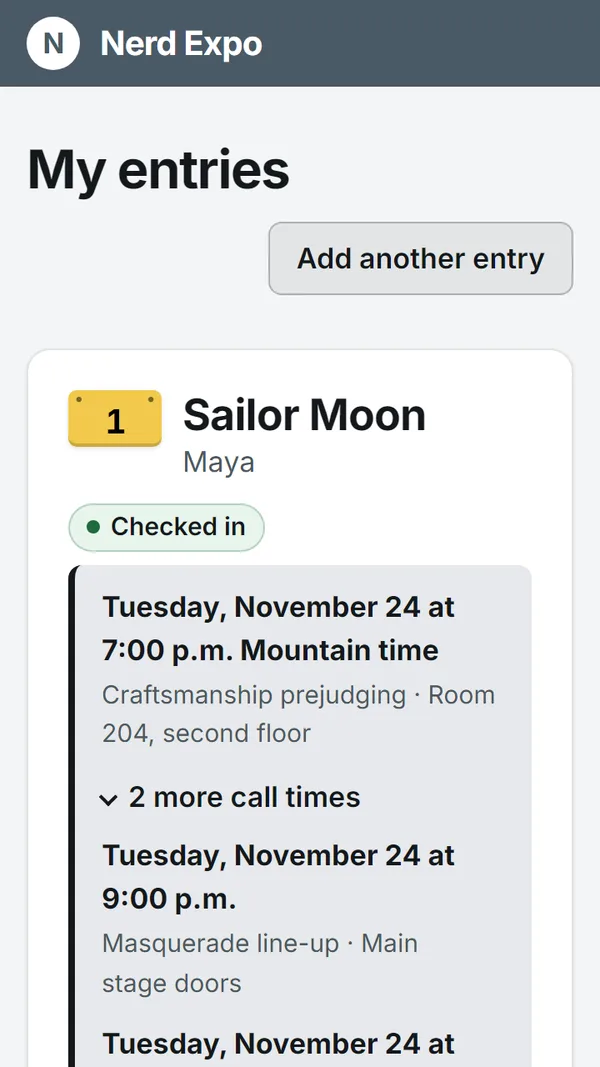
Maya · Sailor Moon · Youth
Ethan · Iron Man · Novice? Master? which tier?
Sofi · picture sent by email can’t find it
Liam · Cloud Strife changed costume
The problem An ordinary form can’t sort anyone into a tier, the pictures come by email, and you retype every entry.
The fix
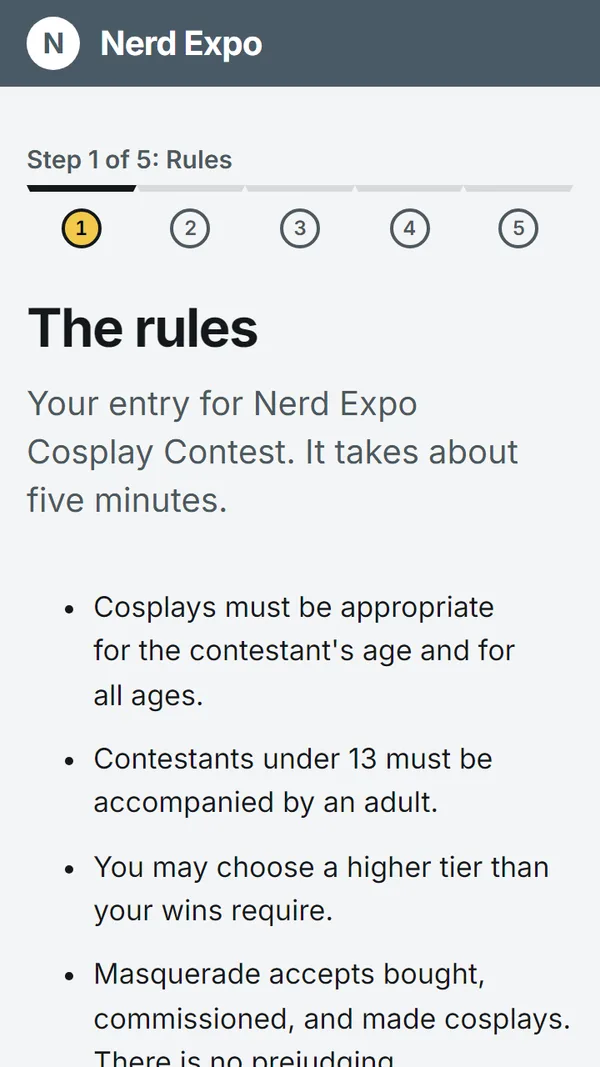
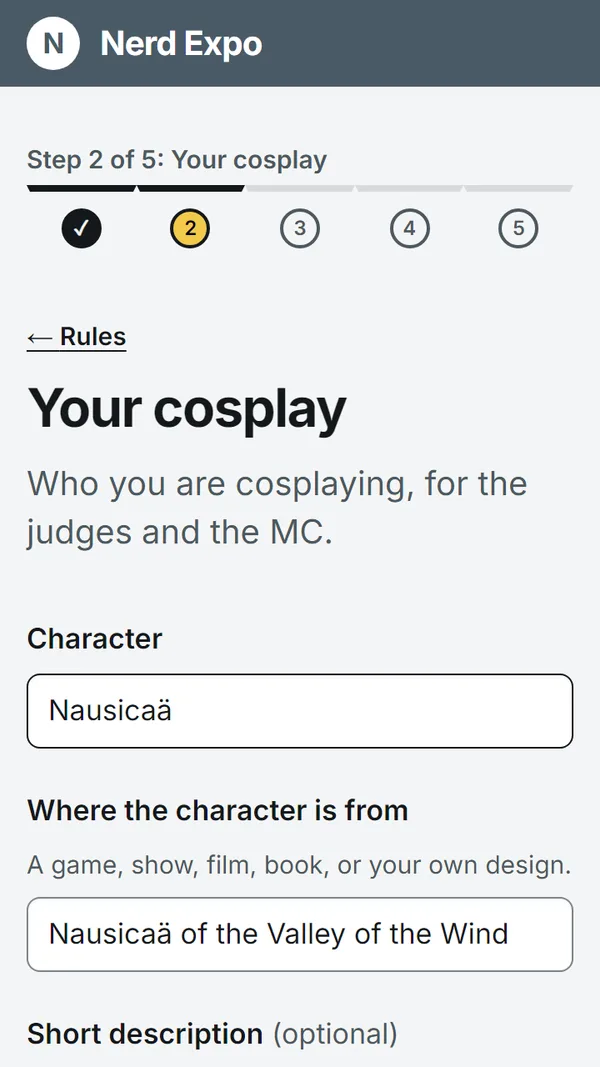
Your own sign-up page Your own web address, your colours, your rules up front.
The fix
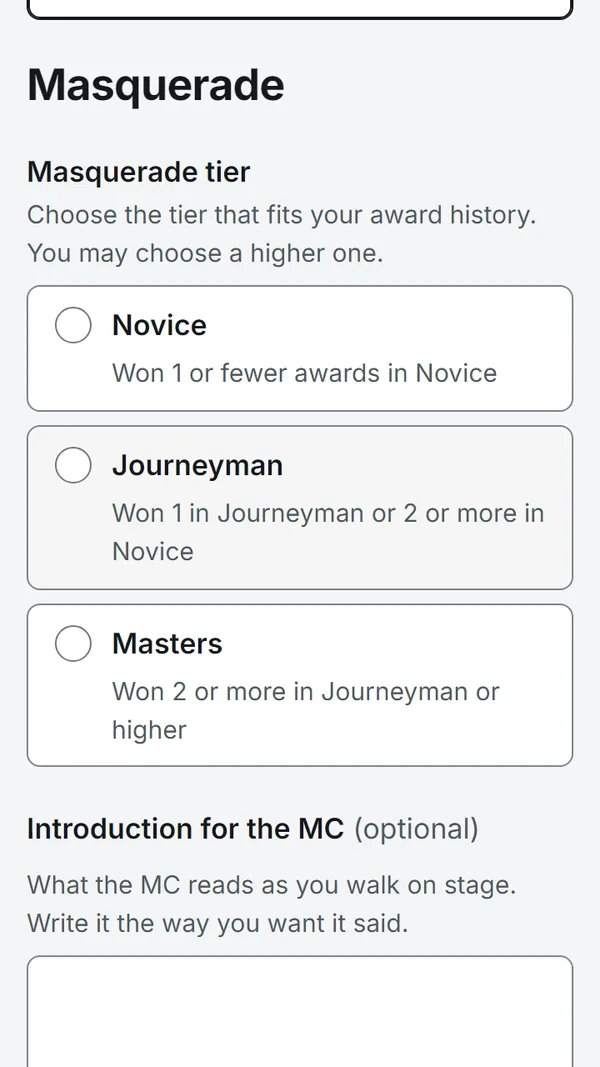
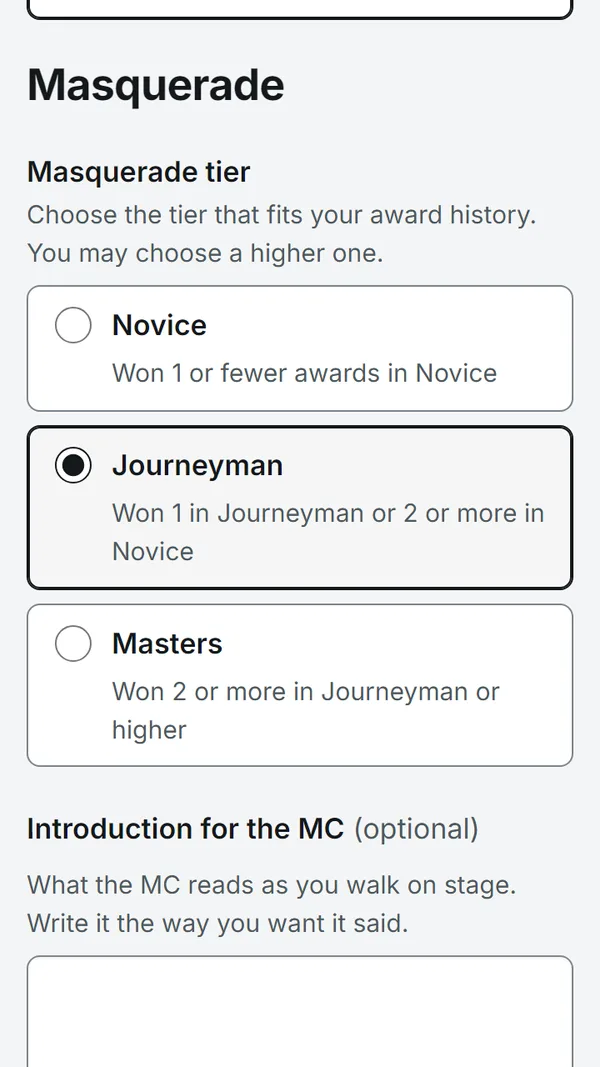
Five minutes on a phone Each cosplayer’s answers place them in the right tier, and you can move anyone.
The fix
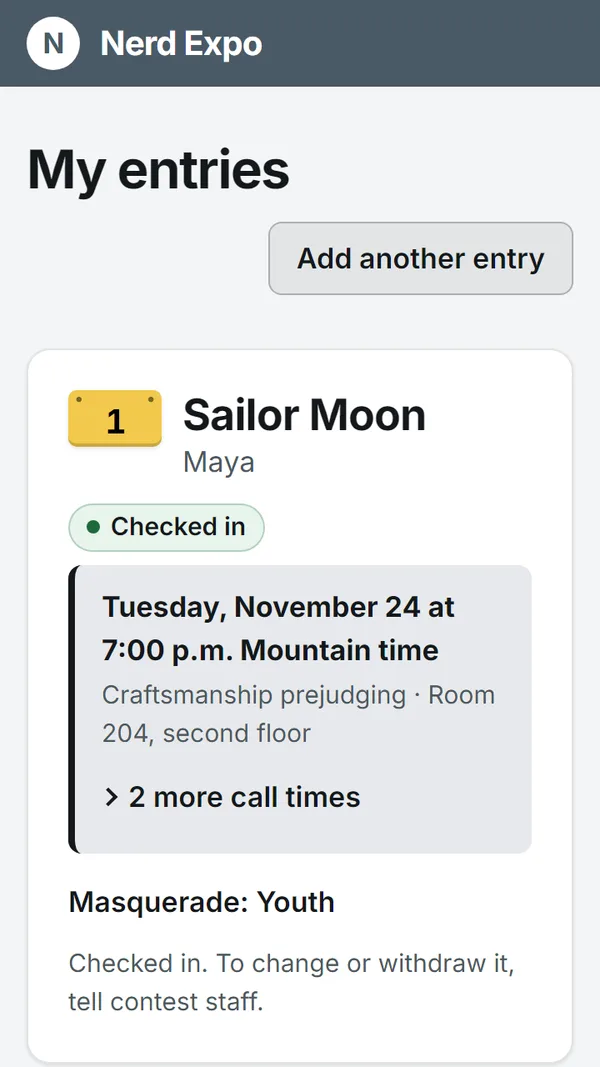
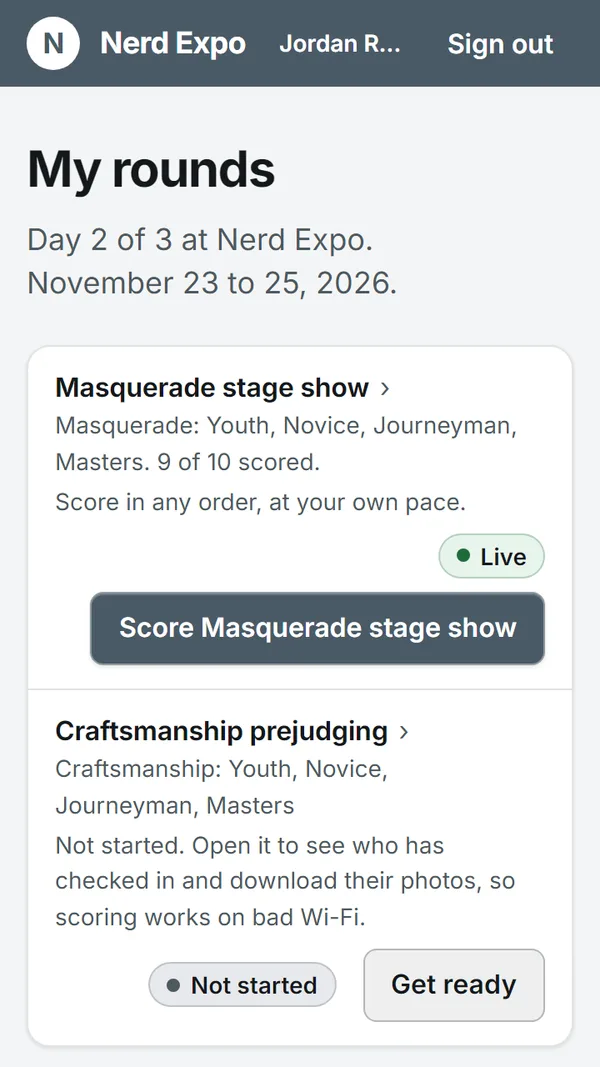
No accounts or passwords A private link opens each cosplayer’s entries, and a lost link can be sent again.
What you save
An evening of retyping, and every “which tier am I?” email.
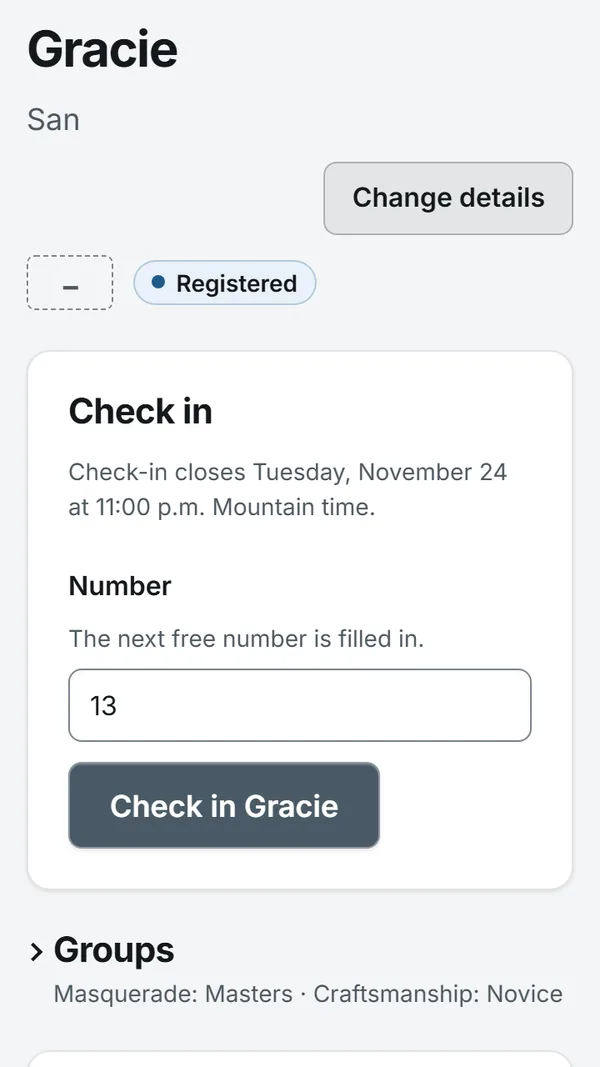
2 Check-inDoors open
You always know who number 14 is
Check-in list
12 · Noah ✓
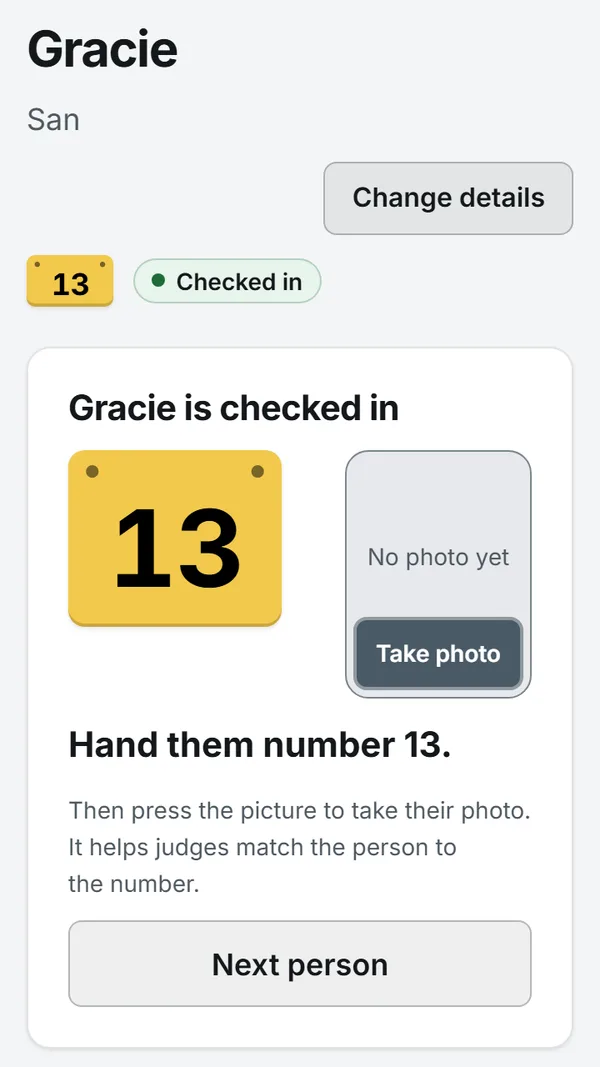
13 · Gracie ✓
13 · Ethan ✓ 13 twice
14 · ? who is 14?
The problem Two volunteers both hand out number 13, and nobody writes down who got 14.
The fix
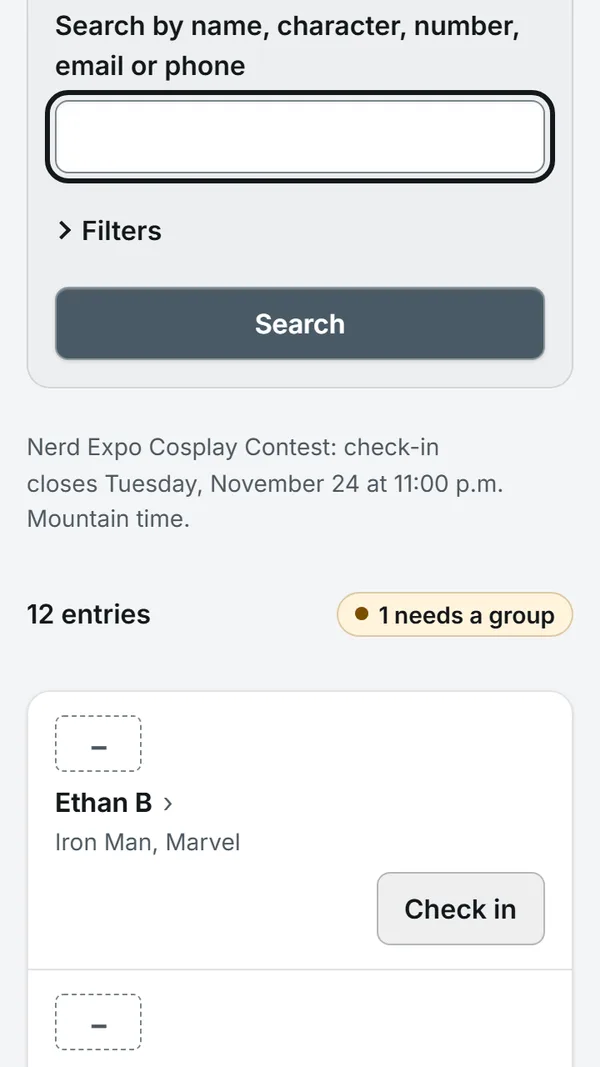
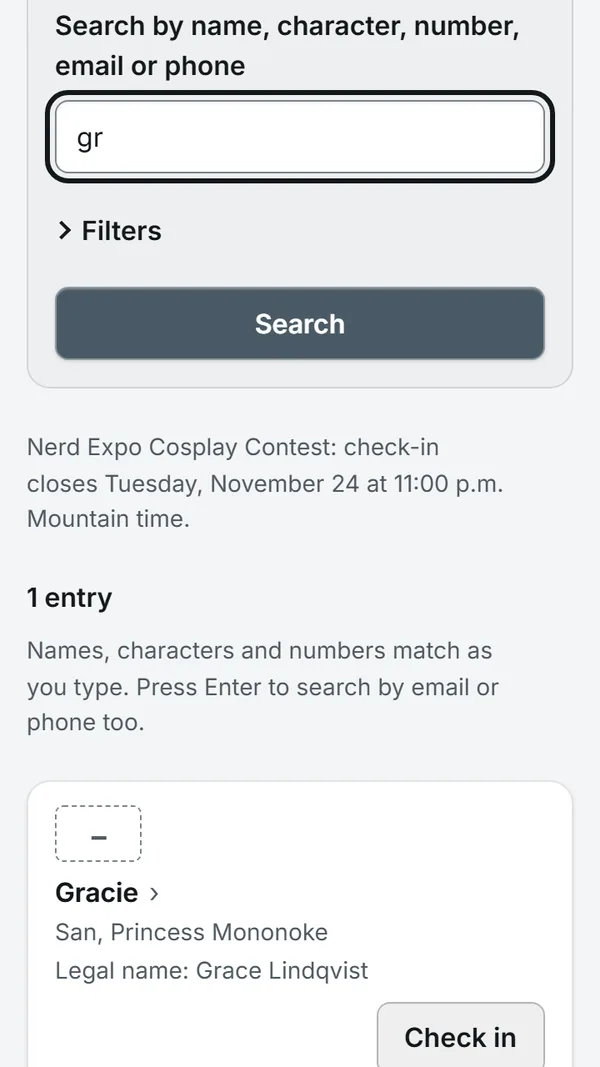
Two letters find anyone Search by name, character or number, and add walk-ups on the spot.
The fix
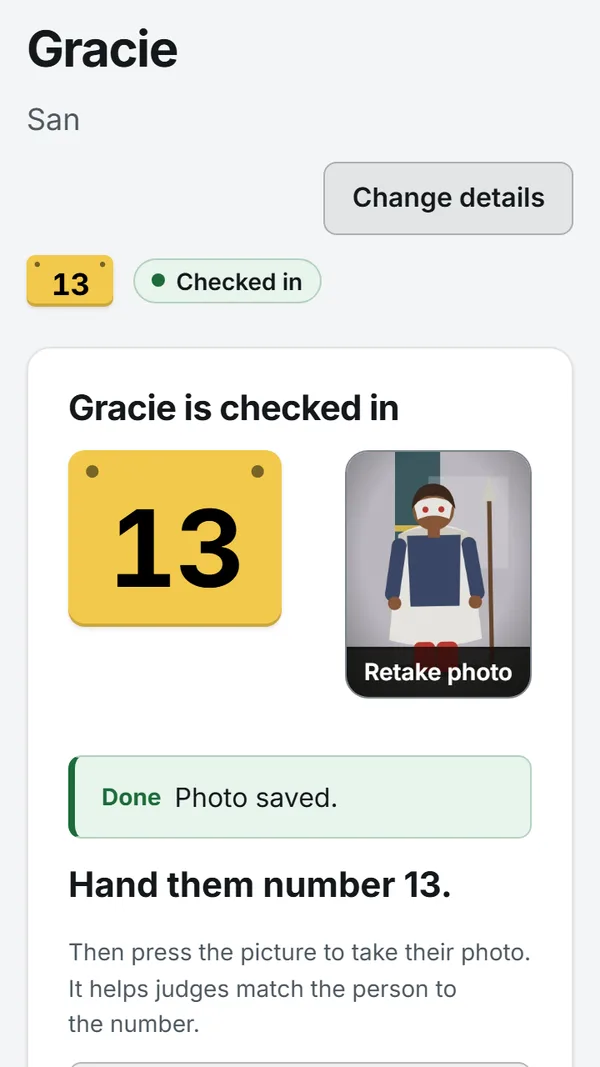
A face for every number The screen shows the cosplayer’s number, and the same phone takes their photo.
The fix
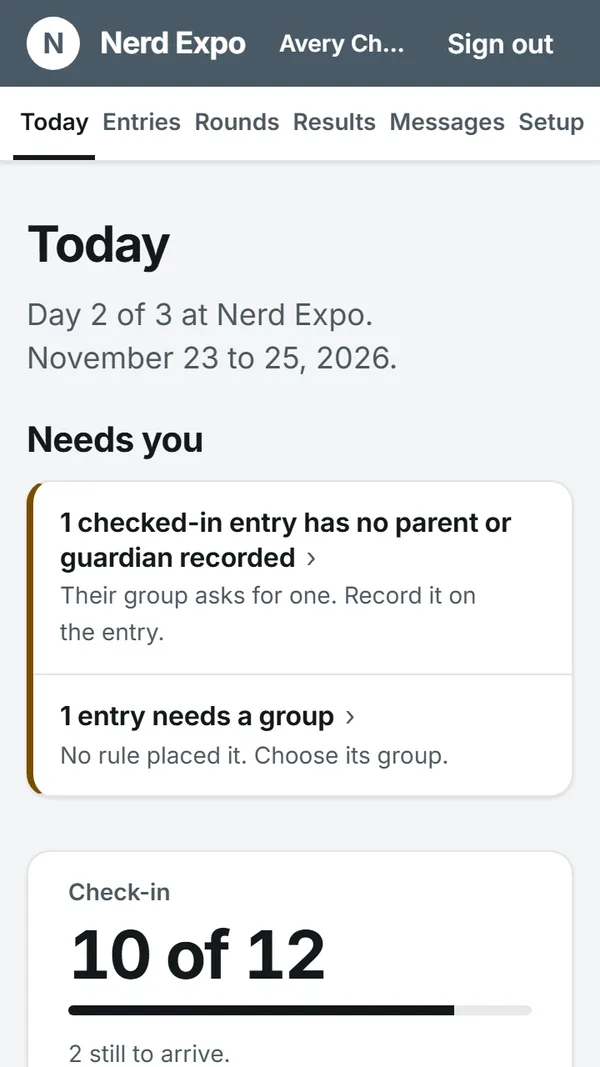
The whole day on one screen Who has arrived, what needs you, what comes next.
What you save
The hunt through a paper list, and numbers given out twice.
3 Call timesAll day
Nobody goes looking for number 9
Schedule
Prejudging · 2:00 · Room 204 now 110 · who was told?
Line-up · 4:15 · stage door where is No. 9?
Awards · 6:30 · main stage
The problem Prejudging moved rooms, and a volunteer is down the hall hunting for a wizard.
The fix
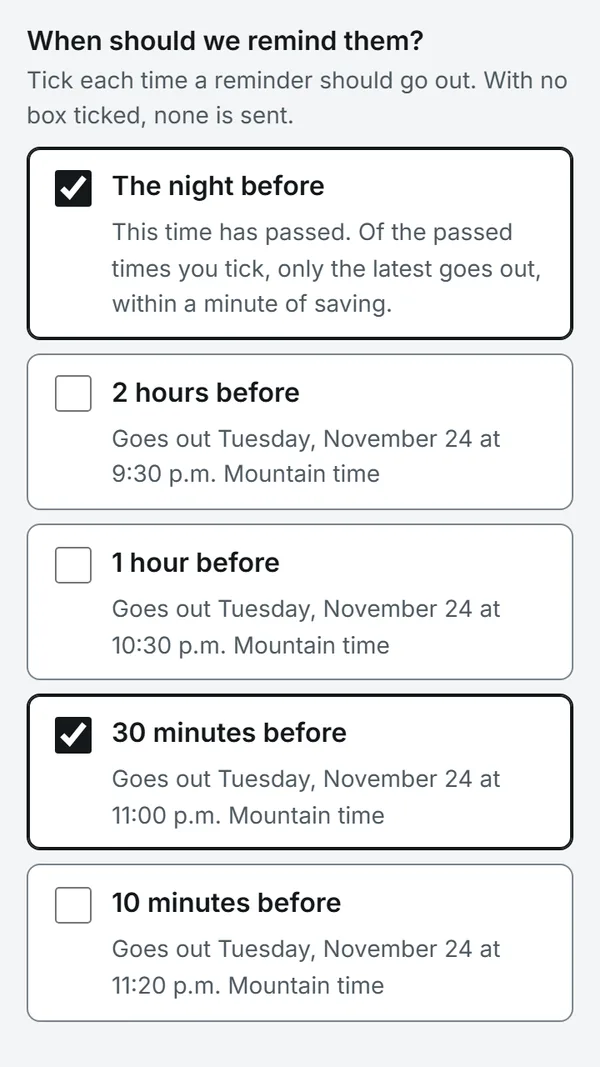
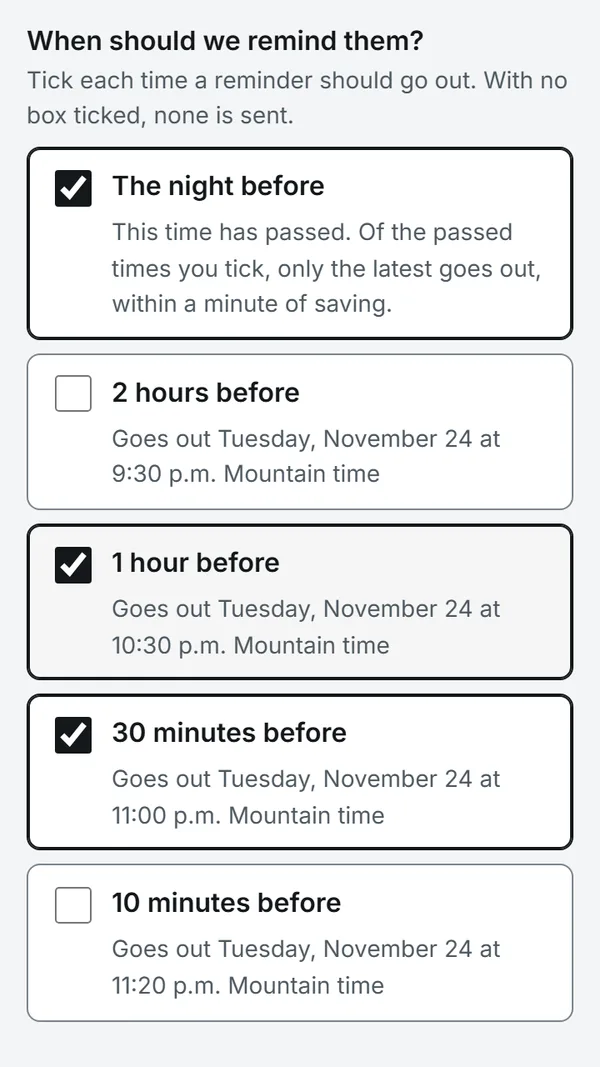
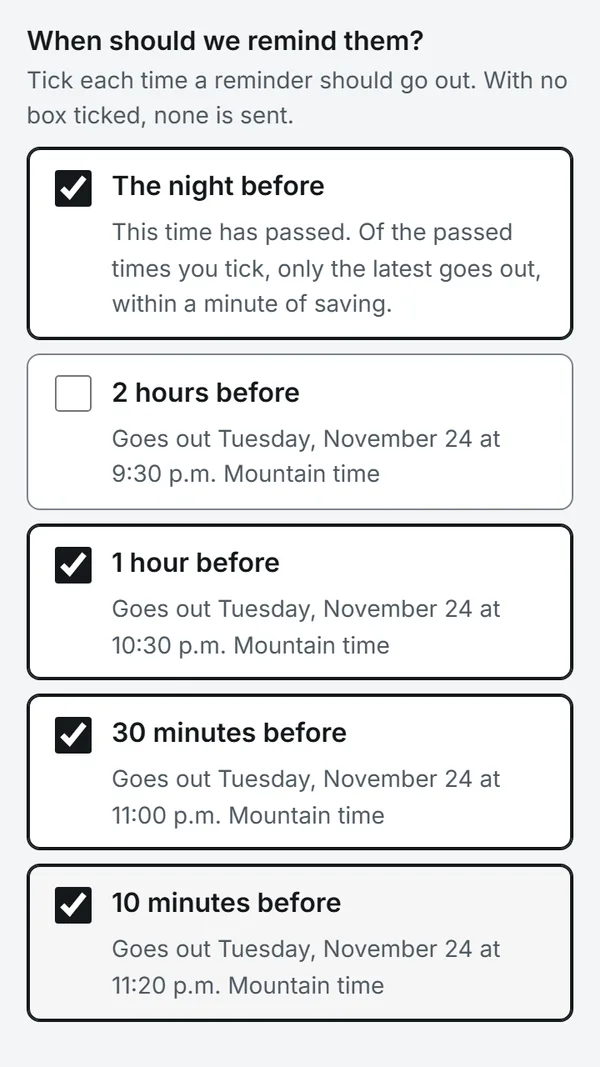
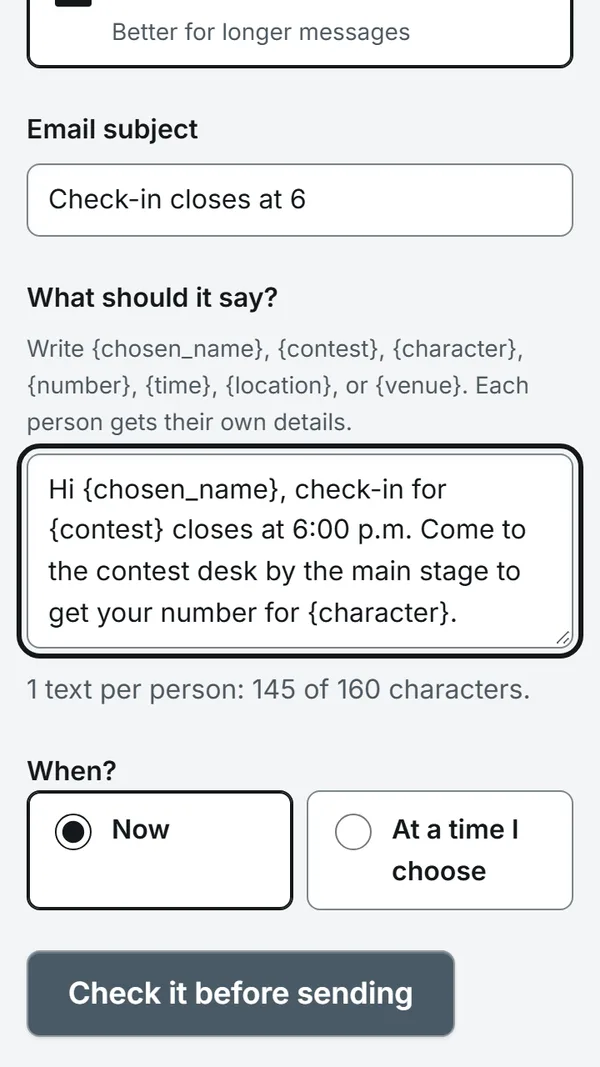
Reminders that send themselves The night before, an hour before, ten minutes before, by email or text.
The fix
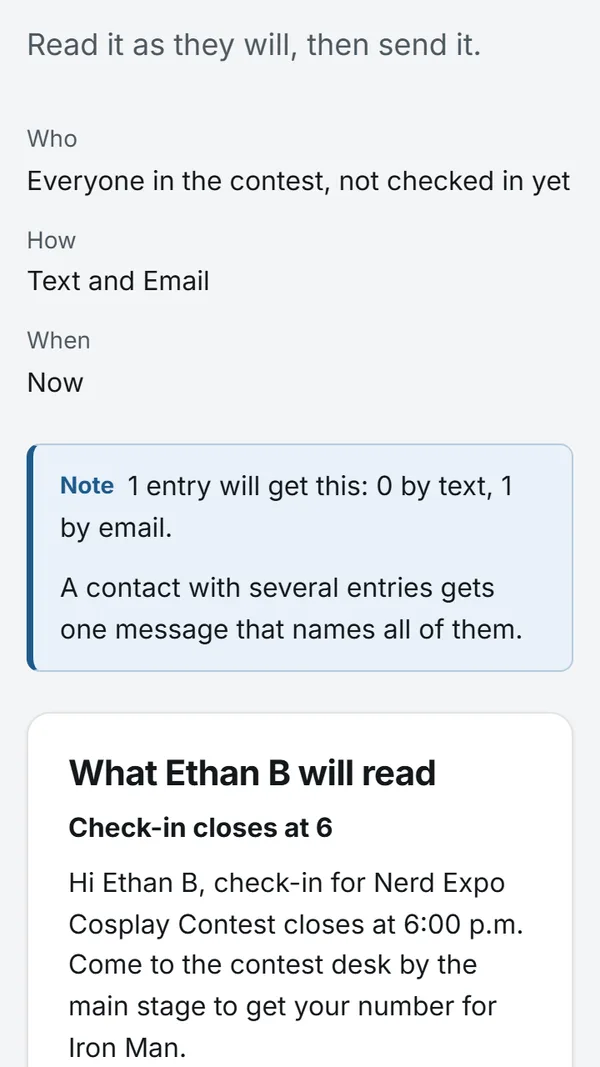
A preview before you send See who gets it, and read it as one cosplayer will.
The fix
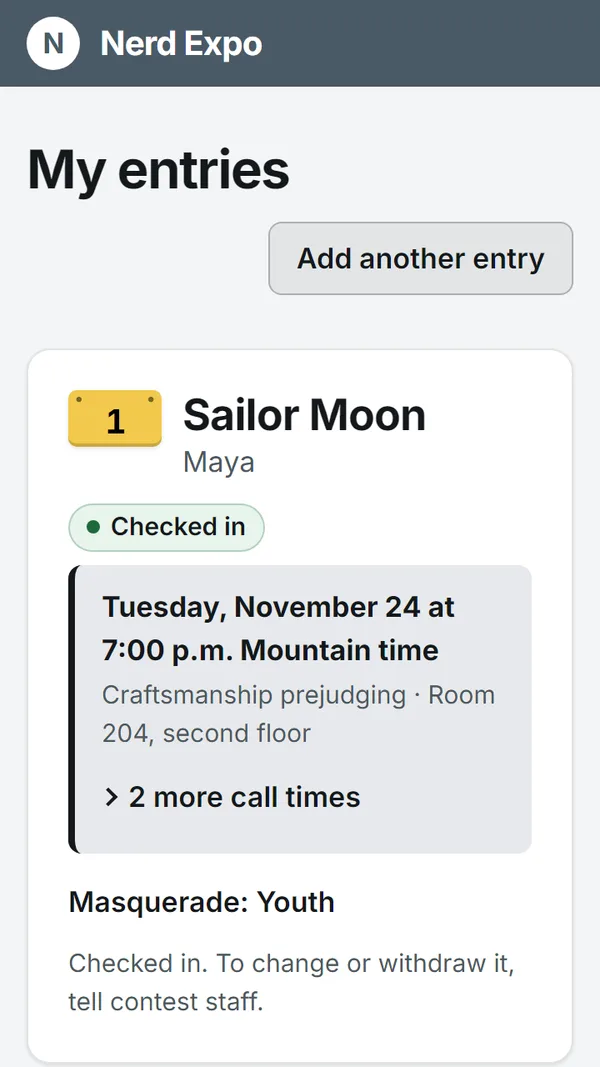
Call times on each cosplayer’s page Where to be and when, beside their number.
What you save
The runner in the hallway, and the gap in your line-up.
4 JudgingShow time
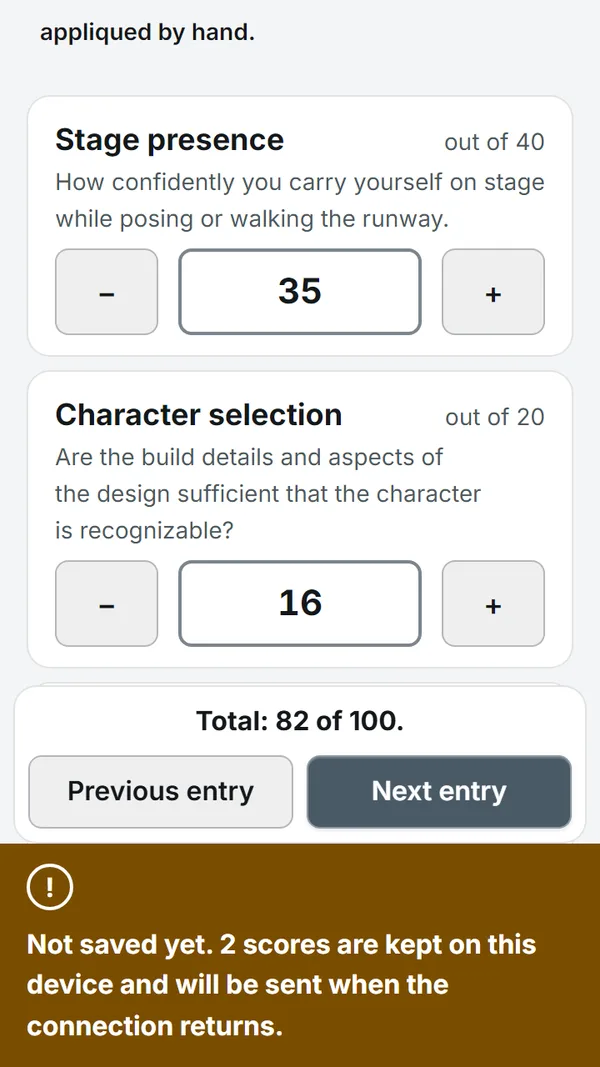
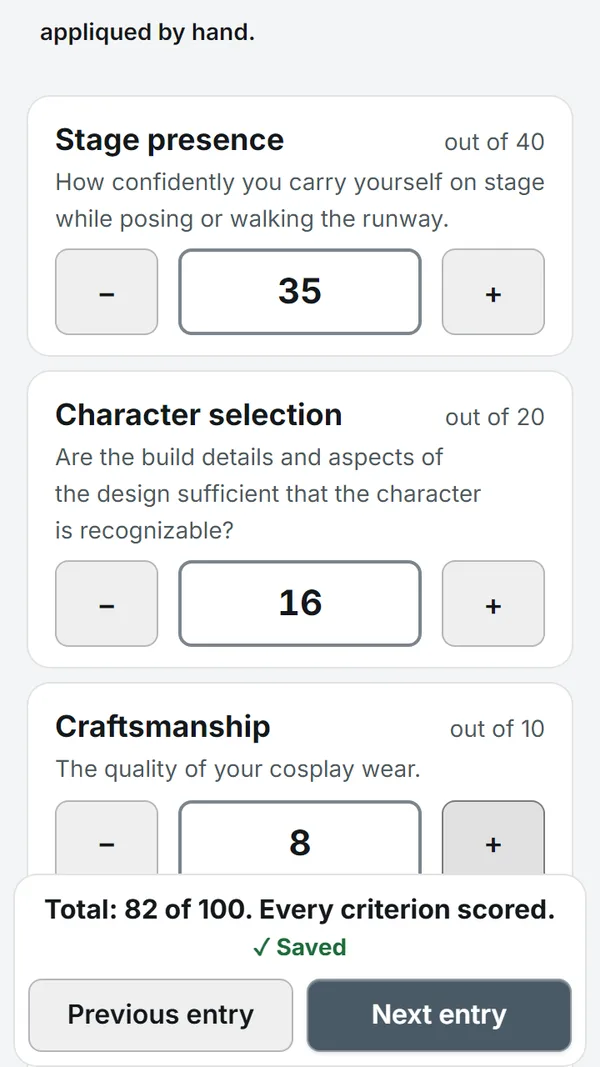
The Wi-Fi can drop. The scores can’t.
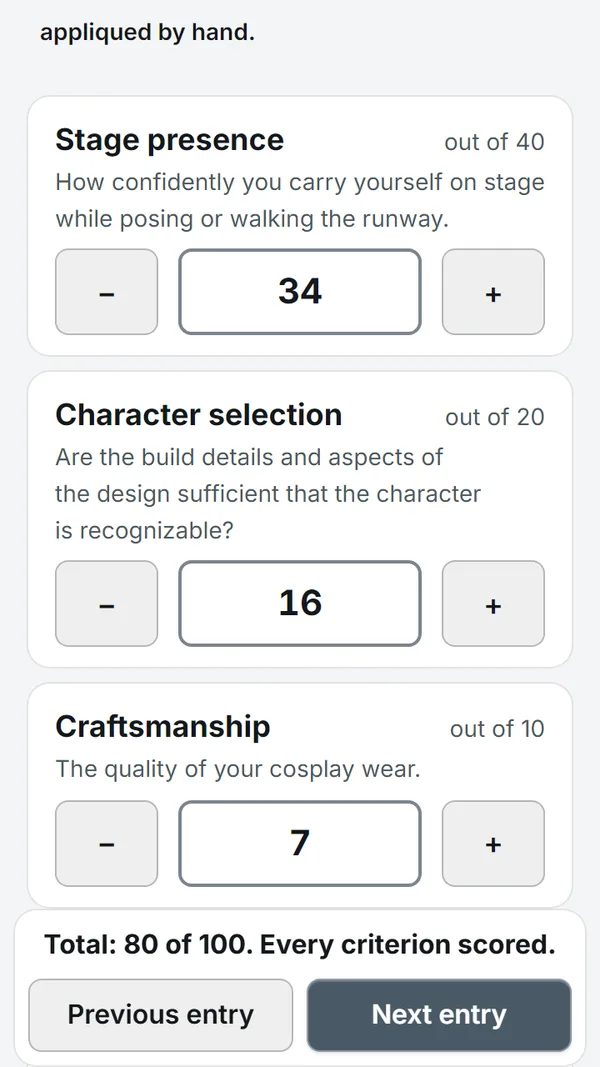
Scoresheet · No. 6
Stage presence · 36
Craftsmanship · 9 or 7 can’t read it
Total · 81 91?
The problem Three judges, three kinds of handwriting, and one Wi-Fi for the whole hall.
The fix
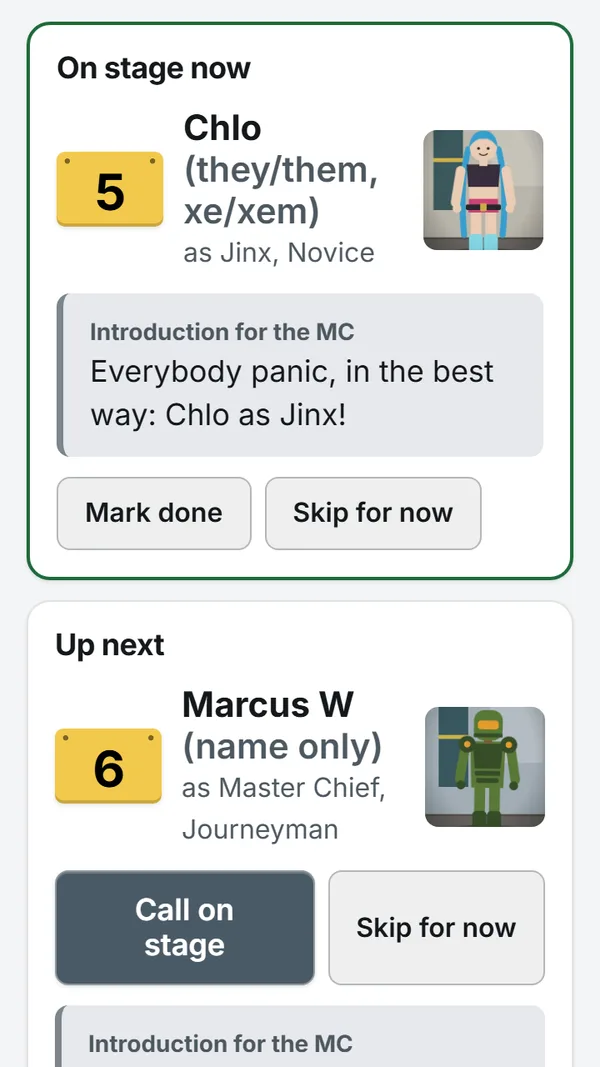
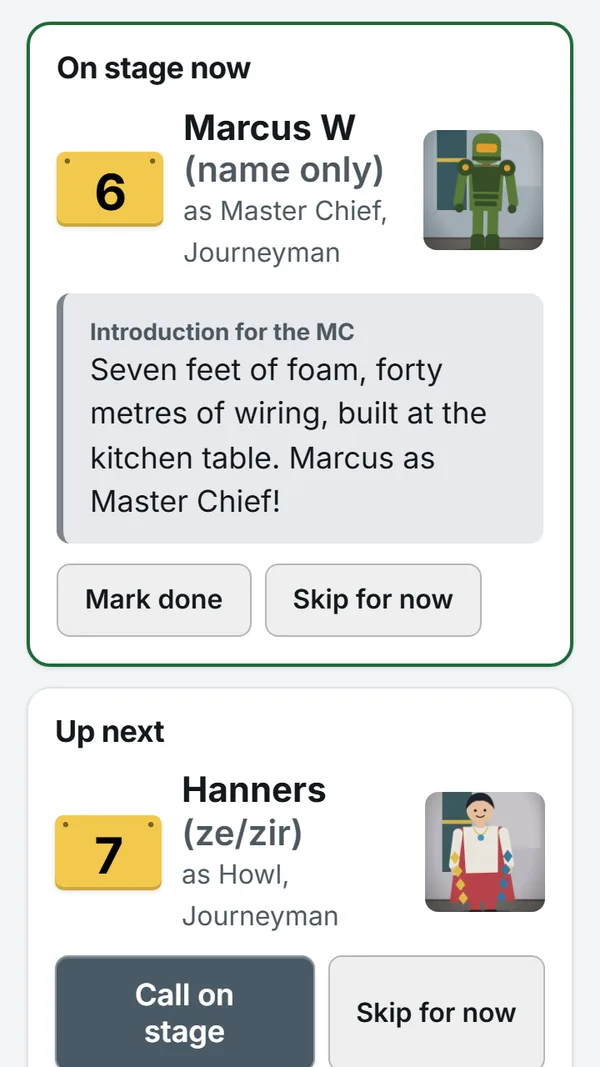
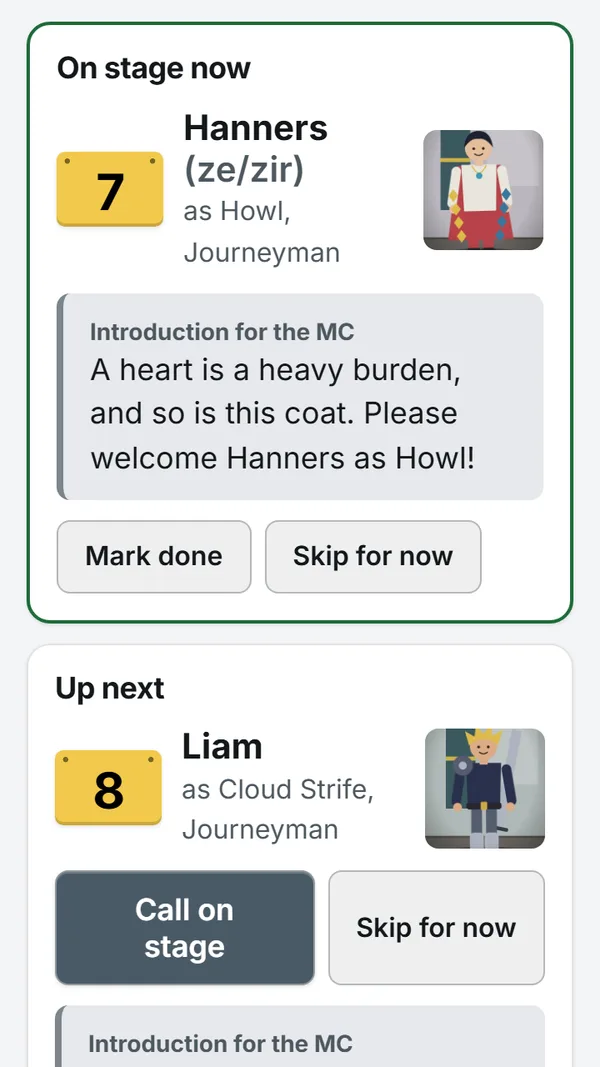
One line-up for everyone Who is on, who is next, and the MC’s introduction.
The fix
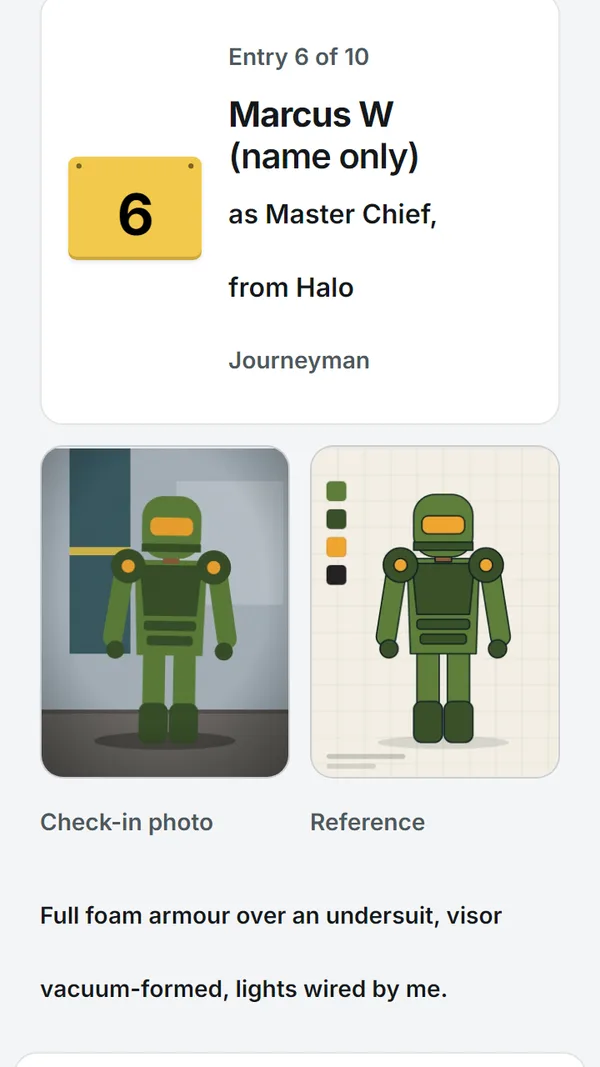
A link for each judge It opens your scoresheet, the check-in photo and the reference picture, with no account to make.
The fix
Scores kept offline Judges keep scoring, and their scores are sent when the Wi-Fi returns.
What you save
Collecting sheets, and a show that stalls.
5 ResultsMinutes after
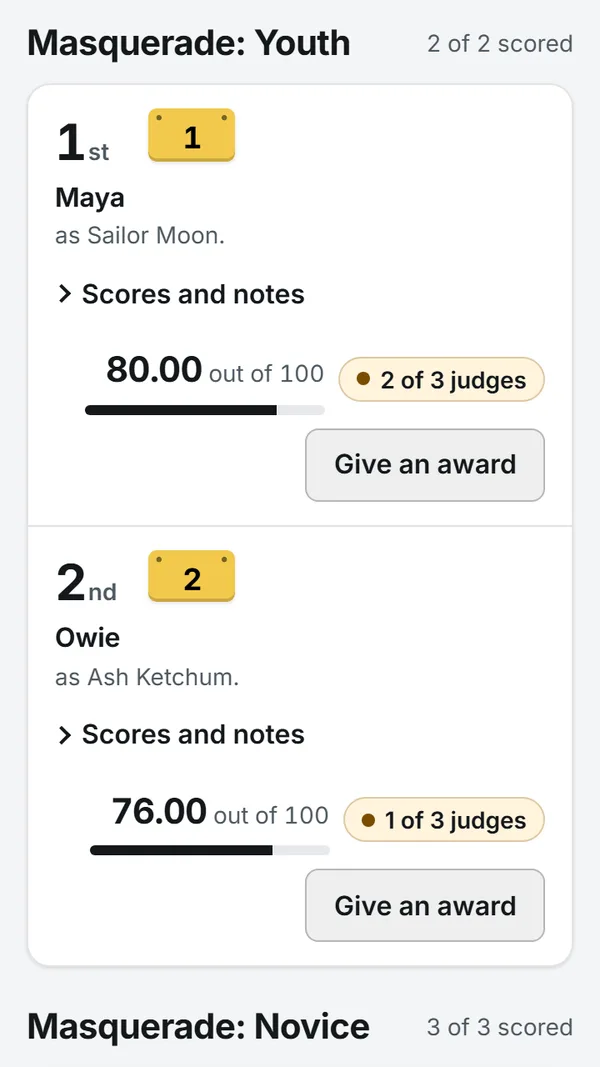
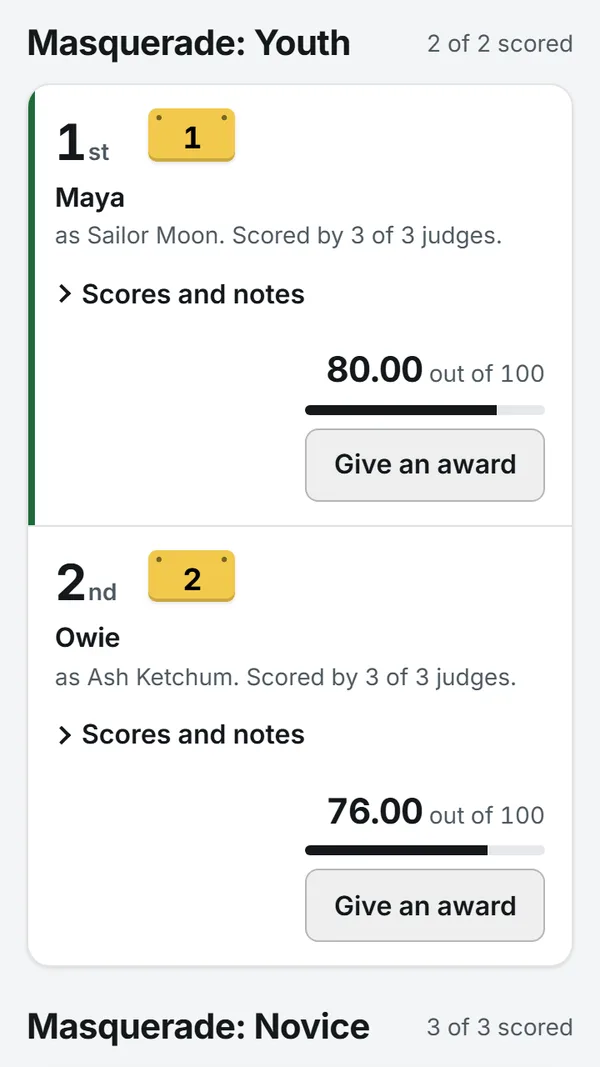
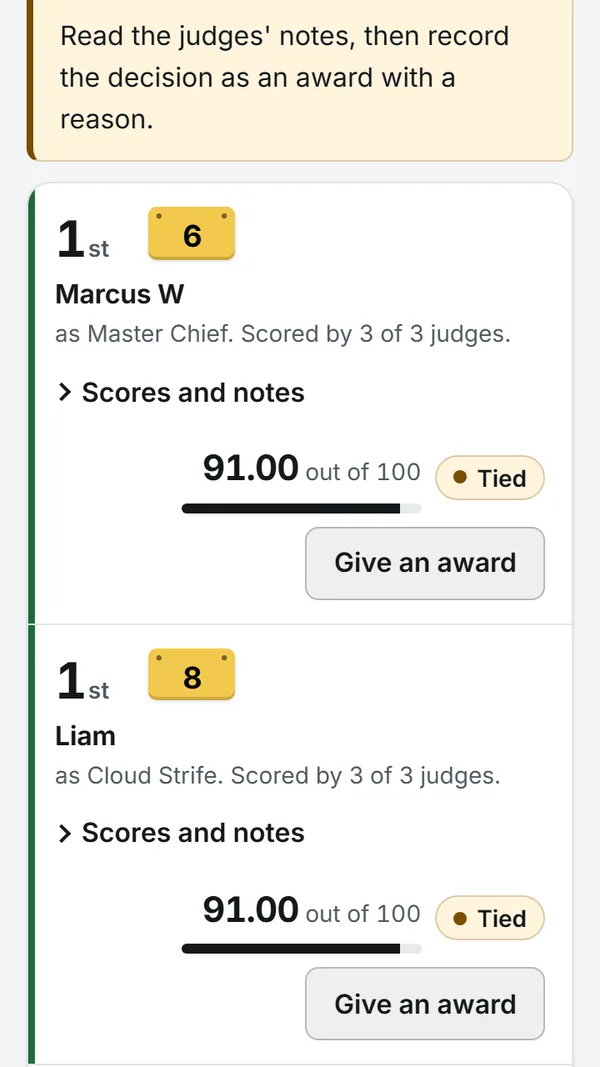
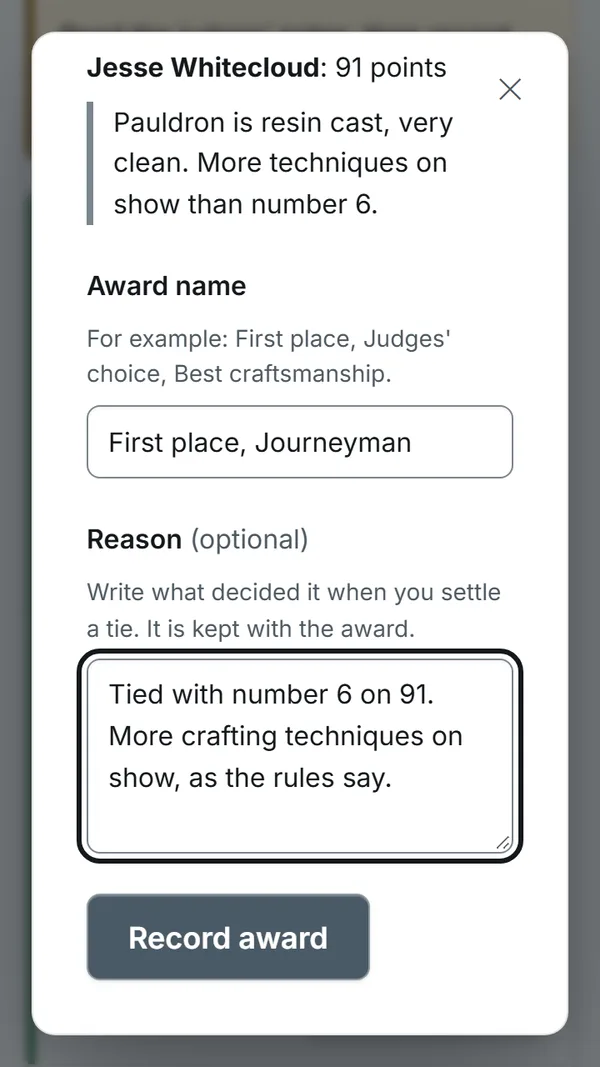
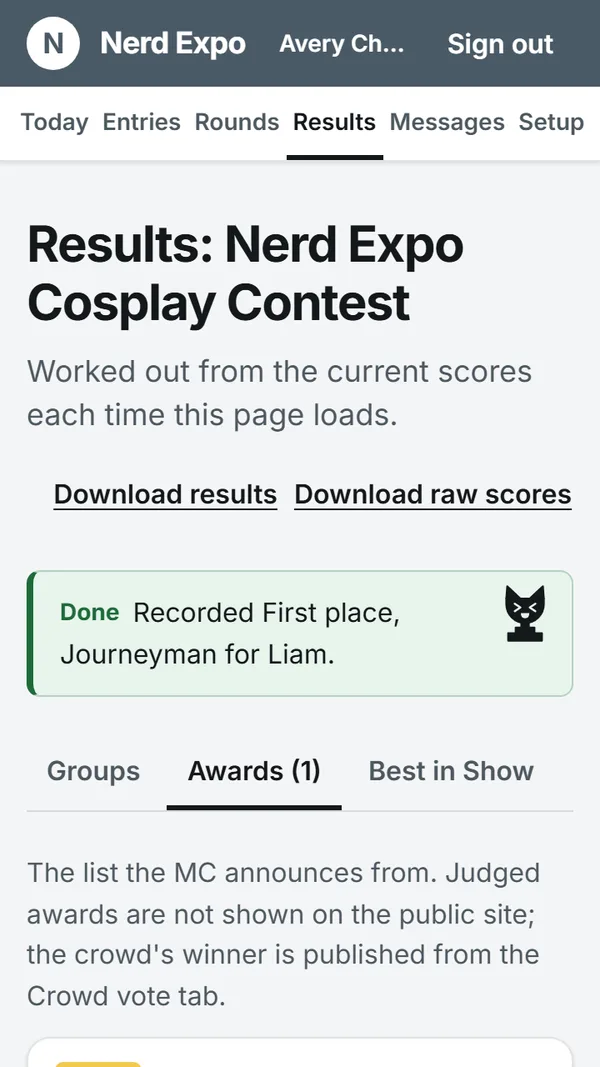
Awards on time, with a reason for each
Totals
No. 6 · 91
No. 8 · 91 a tie?
3 judges × 9 entries × 5 scores by calculator
The problem The audience waits while you add up scoresheets by hand, and a tie turns up late.
The fix
Totals as scores come in Every tier ranked, with results ready to announce and download.
The fix
Ties flagged on the spot With the judges’ notes beside them, and your decision on record.
The fix
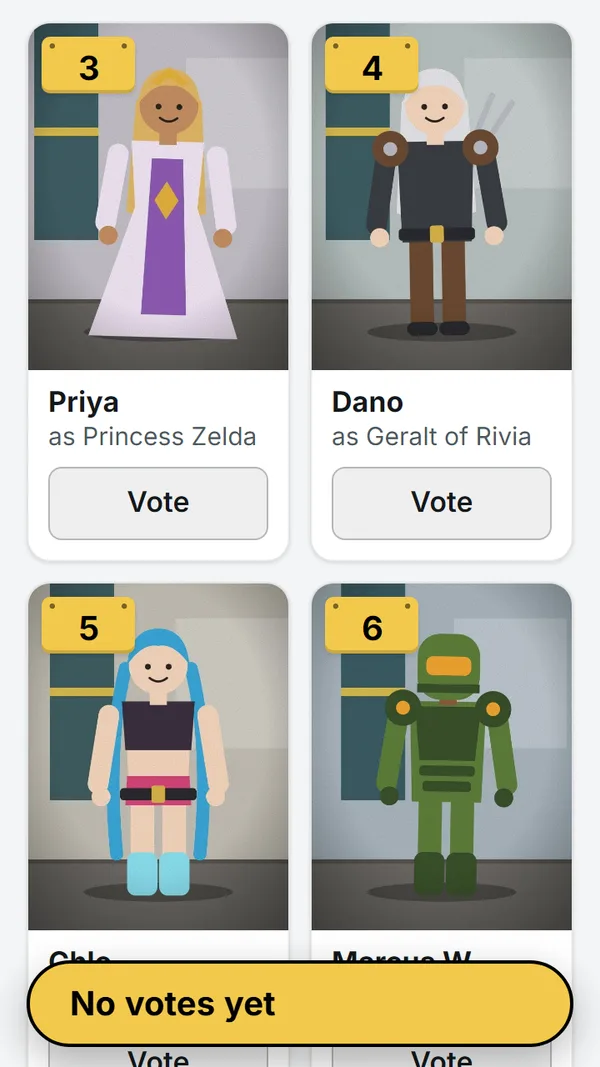
A crowd vote alongside The audience scans a poster and votes by phone, once for each cosplay they like.
What you save
The calculator backstage, and a tie settled from memory.
Questions organizers ask Short answers for the two people who have to agree: your director and your head judge.
Your director will ask
What if something fails on show day? The show goes on
Judges keep scoring if the Wi-Fi drops, and scoresheets also print on paper. A failed charge pauses only online sign-up and texts.
Can children enter? With a parent or guardian
A youth division asks a parent or guardian to confirm each entry, and stays out of the crowd vote.
Who sees a cosplayer’s details? Only the people who need them
Volunteers see names, not contact details. The public sees only the photo a cosplayer picks for the crowd vote, or none.
Your judges will ask
Can we judge on our own criteria? Yes, you write the scoresheet
Setup gives you a starting sheet. Change every criterion, its points and what judges look for.
Do judges need a phone? Any phone, tablet or laptop
Each judge opens a link in a browser: no account, nothing to install. The same scoresheets also print on paper.
How are scores combined? The average of the judges’ totals
Judges see only their own scores until the round is finished. Then scores lock.
Who breaks a tie? The organizers, on the record
A tie is flagged with each judge’s notes beside it, and the reason for the decision is kept with the award.
Who reads a judge’s notes? That judge and the organizers
Never the cosplayer, and never another judge.
What do cosplayers see afterwards? What you choose to show
For each tier: nothing, their own placing, the placings, or the averages too. A judge’s notes stay private.
Another question? Write to hello@cosplaycontest.ca . What is kept, and who sees it, is in the privacy policy .
What it costs A contest of up to 50 entries is free. Bigger ones pay only for the entries and texts they use. No subscription, and nothing for staff, judges, emails or results.
Every convention Free
Set up your contest, invite your staff and try everything. The first 50 entries and the first 250 texts cost nothing.
Opening it to cosplayers needs a card on file. Adding the card charges nothing.
Each entry after the first 50 50¢
Taken from your balance. Your card adds to it when it runs low, by an amount you choose.
An entry is one person in your contest, however many competitions they enter, online or at the desk.
It counts from sign-up: a withdrawn entry is not counted, a no-show is.
Each text after the first 250 5¢
Taken from the same balance as your entries.
Call times and reminders can go by text. A long message counts as one text for each part it is sent in.
Emails are always free.
What you don’t use stays. Funds you added and did not use stay on your balance.You set the budget. Choose how much your card adds at a time and the most it is charged in any 30 days.For example: 120 entries and 400 texts is 70 × 50¢ for entries and 150 × 5¢ for texts: $42.50 CAD.Leave the clipboard at home Three steps to a sign-up page you can share. Setting up is free, and so are your first 50 entries.
1 Name your convention Its name, its web address and its days.
2 Answer five questions Your competitions, tiers, scoresheets and rules are built from them.
3 Share your sign-up page Add your judges and a card, then open it to cosplayers.
Set up your contest